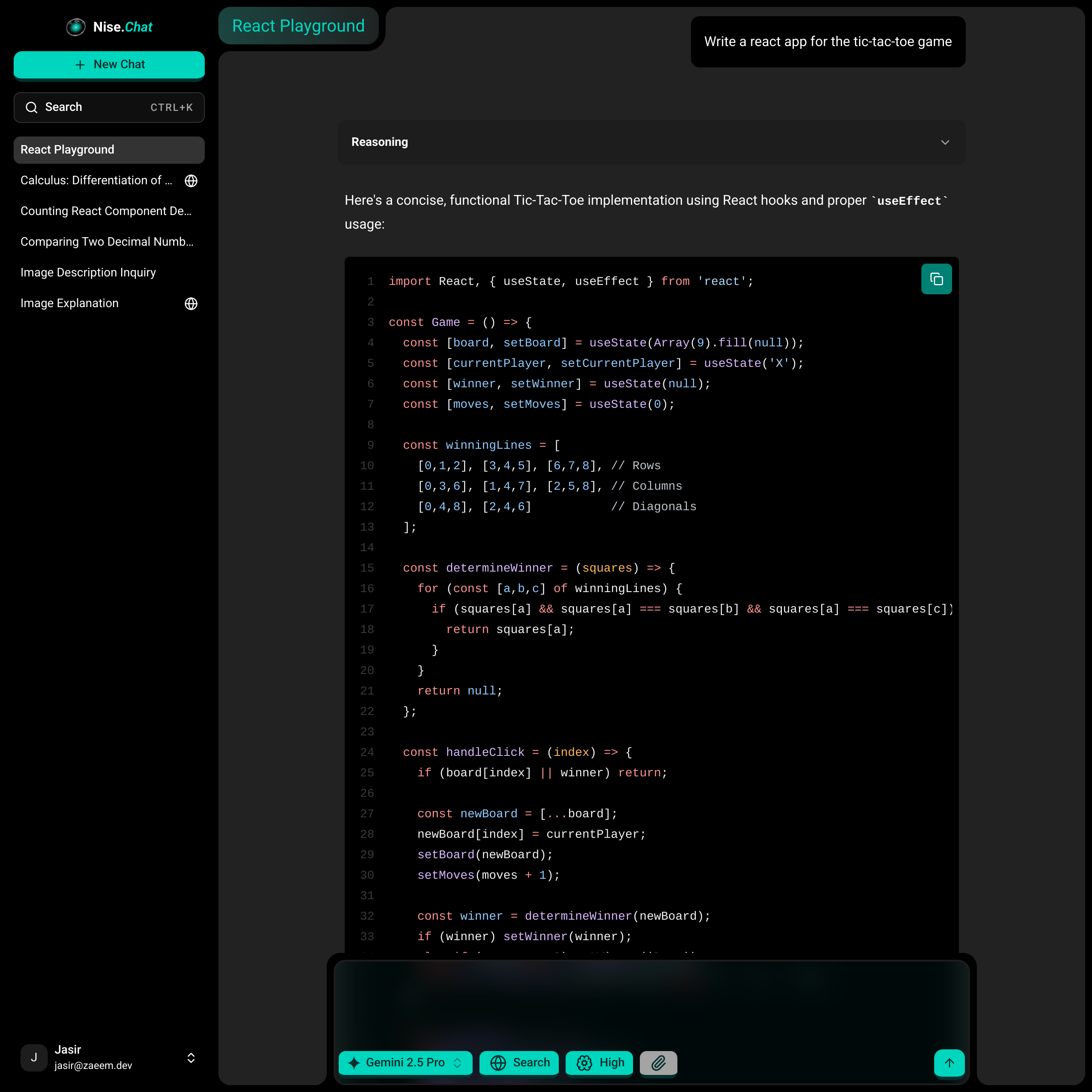
Nise Chat
Nise Chat is a single Binary AI Chat Application for self-hosting. Features image and document uploads, web search, resumable message streams with markdown and syntax highlighting, and more. It is designed to be easy to deploy and use, with a focus on privacy and security. Nise Chat is built with Go and React, and uses PocketBase for data storage. Initially built in 10 days for the T3 Cloneathon/Hackathon
- STACK Go, React, PocketBase, Sqlite, OpenRouter
- SOURCE JasirZaeem/nise-chat
Own all your data and pay only for what you use, with minimal 3rd party dependencies (only OpenRouter for inference) and easy deployment.
Features
Branching Chats
Chat threads branch out on regenerating or editing messages in Nise. Letting you explore tangents and keep around threads for referencing later. Allows better management of contexts by sharing messages across different lines of conversations or moving away irrelevant things to separate branches. Useful for exploring ideas and refining prompts.
Multiple Models
Nise supports selecting across multiple models via OpenRouter. Allowing mixing them in a chas, across branches or for regenerating.
Markdown Rendering
Nise supports markdown and latex rendering, along with rich syntax highlightinh for code blocks powers.
Brink Your Own Key (BYOK)
Bring your own OpenRouter API keys in Nise Chat and pay only for what you use.
Realtime Sync
Your messages and threads are synced in realtime across your sessions with PocketBase's server sent events.
Resumable Message Streams
In progress generations are managed in memory and clients can disconnect and rejoin streams anytime. Providing durable streams that survive client disconnections. Implement in go itself via goroutines and synchronization primitives without a dependency on redis streams. Also shown is reasoning control to manage how many tokens are spent on reasoning.
Shared Threads
Share your chat threads via public links that anyone can view.
Search
Search across all your threads and titles stored in Nise.
Web Search
Provide the models access to web search from Exa for messages grounded in online results.
Image and PDF attachments
Lets you upload images and pdfs to be analyzed by models that support it.
Installation
Clone the repository and change into the project directory:
git clone https://github.com/JasirZaeem/nise-chat.git
cd nise-chat
Build the project and start the server:
make
./nise serve
This starts the server on port 8090 by default.
First Run
Follow the link shown in the terminal to create your PocketBase super-user account.
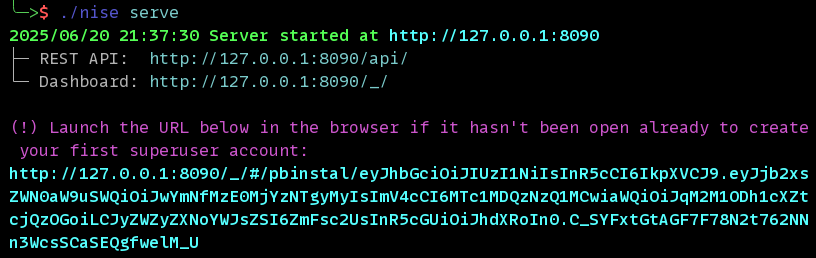
Or you can run the following command to create the super-user account manually (replace EMAIL and PASS with your desired email and password):
./nise superuser upsert EMAIL PASSConfiguration
Authentication
By default, user registrations are disabled. You can visit the PocketBase admin dashboard at http://localhost:8090/_/, login, and then create user accounts as needed. Make sure to mark them as verified to allow them to login.
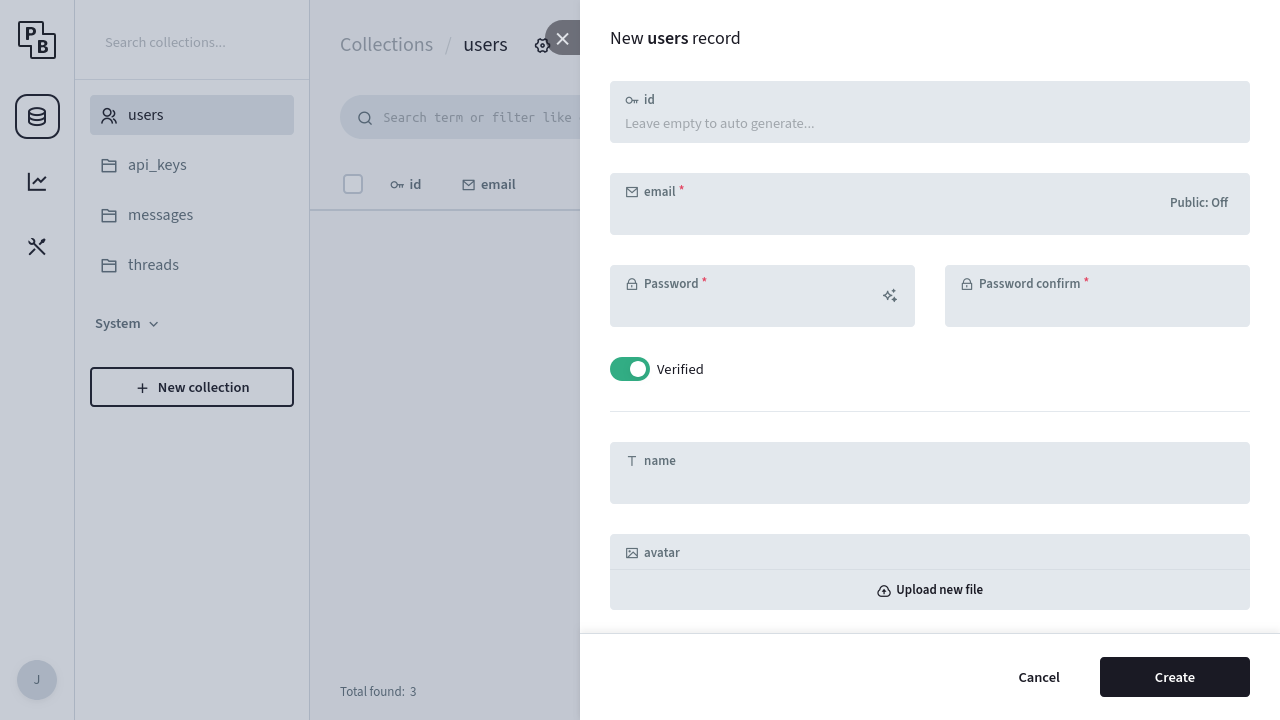
If you want to enable user registrations, edit the API rules for the users collection to allow creation operations.
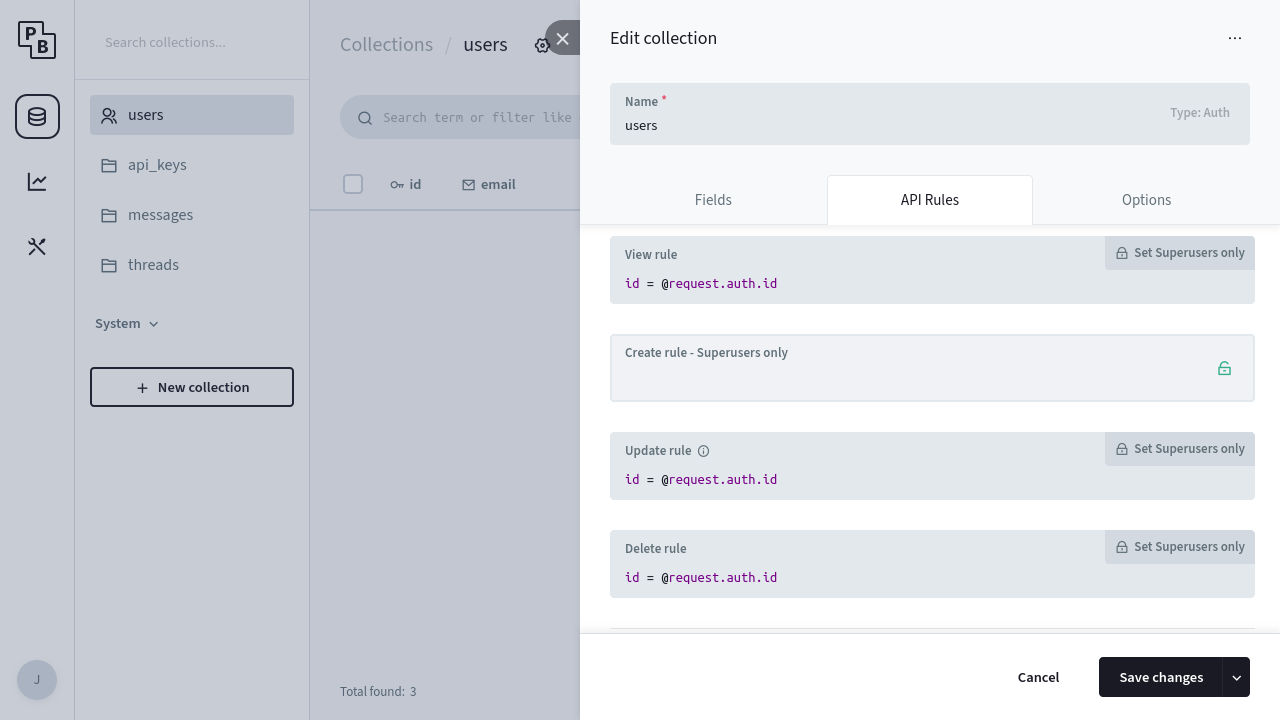
And setup email credentials to allow PocketBase to send verification emails.
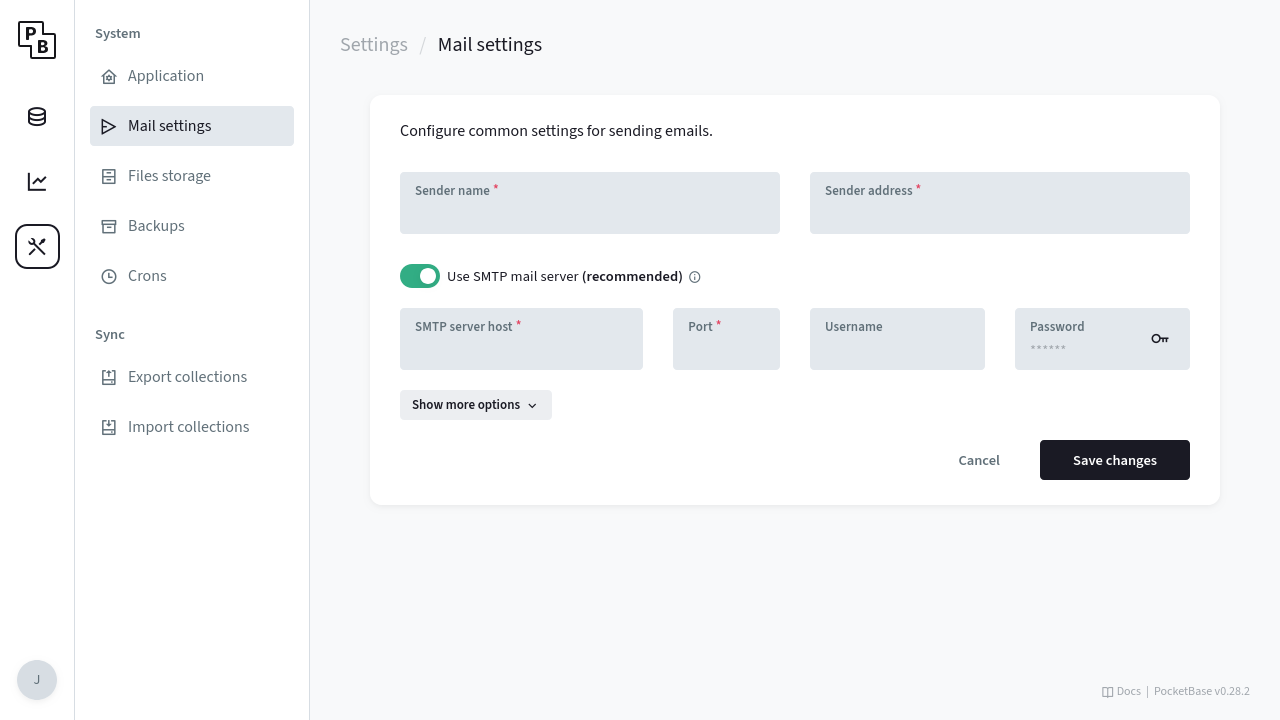
After which people can visit /register to create an account, and login once their email is verified.
Data
When you run ./nise serve, it will use ./pb_datato store the data for your app (database and uploaded files), and it will create tables present in the database snapshot migration file in ./pb_migrations(part of the repository). If you want to use another location, pass the --dir flag for the data directory, and --migrationsDirfor the migrations directory.
./nise serve --dir /path/to/data --migrationsDir /path/to/migrationsIf using another location, place the ./pb_migrations from the repository at that location first so PocketBase can run initial migrations.
Deploying
If not running locally and instead deploying to a server, follow the instructions at PocketBase's documentation to manage a public facing instance.


